Enable Local Network on iPhone
Allow Sovereign Remote to discover your Sovereign on Wi‑Fi when Tailscale is unavailable.
Updated July 16, 20261 min read
iOS requires permission before apps can find devices on your Wi‑Fi. This matters for the Wi‑Fi fallback path — Tailscale MagicDNS / IP linking does not need Local Network discovery.
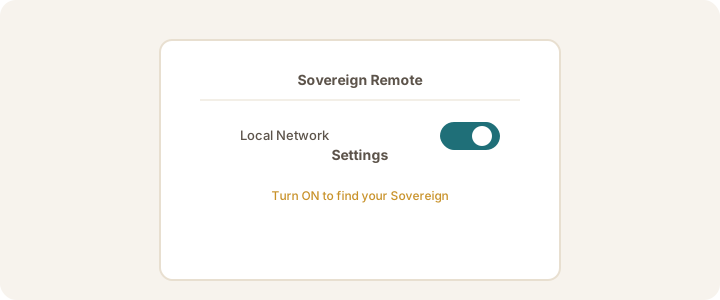
Steps
- Open Settings on your iPhone.
- Scroll down and tap Sovereign Remote.
- Turn Local Network on.
- Return to the app and use Find my Sovereign if you are linking over Wi‑Fi.
Note
Prefer Stay linked with Tailscale for home and away. Keep Local Network on so Wi‑Fi fallback still works.
Was this article helpful?